Offline navigation on Android is reliable as long as you download the maps while you still have Wi-Fi. The GPS receiver in your phone works out your position from satellites, so it does not need mobile data – the internet is only needed to download maps, search online and get live traffic. For most drivers, Google Maps with offline areas plus one fully offline app, such as Organic Maps, is all it takes.
What phone navigation can do without internet
A common myth is that a phone without signal “doesn’t know where it is”. GPS – along with Galileo, GLONASS and BeiDou, which most modern Android phones also support – works independently of the mobile network. What a phone cannot do offline is load a new map or look up an address online.
- Works offline: showing your position, calculating a route and voice guidance – if the map is already on the phone.
- Does not work offline: live traffic, congestion, current road closures, business ratings and photos of places.
- Depends on the app: address search, cycling and walking directions, and use in Android Auto.
The first GPS fix without internet can take a little longer, because the phone lacks the assistance data normally supplied by the network. It helps to open the app a few minutes before you set off, while the car is out in the open.
Free navigation apps for Android: a comparison
All of the apps below can be installed for free from Google Play. They differ in how much they can do offline and what you have to pay for.
| App | Offline | What costs money |
|---|---|---|
| Google Maps | driving only, the route must be inside a downloaded area | nothing |
| Organic Maps | all features, including cycling and walking, works in Android Auto | nothing, no ads |
| OsmAnd | all features, very detailed maps | more than 7 downloads and Android Auto (Maps+) |
| HERE WeGo | whole-country maps with voice guidance | nothing |
| Sygic | 3D maps from TomTom | extra features in the Premium subscription |
Google Maps
Google Maps usually comes preinstalled on Android phones, which makes it the quickest option. According to Google, an offline map will guide you to your destination as long as the entire route lies within the downloaded area. Offline, there are no transit, cycling or walking directions, and no traffic information or alternative routes.
Organic Maps and OsmAnd
Both use OpenStreetMap data and are designed to work without signal. Organic Maps is simple, has no ads and no tracking, and also supports Android Auto. OsmAnd offers more detail (contour lines, trails, special profiles for trucks or motorcycles), but the free version is limited to 7 map downloads, and updates count towards that limit. Unlimited downloads and Android Auto come with Maps+, which according to OsmAnd’s price list costs €14.99 a year or €69.99 as a one-off purchase.
HERE WeGo and Sygic
HERE WeGo lets you download a map of an entire country and use voice guidance offline, which makes it handy for longer drives across Europe. Sygic is known for its clear 3D maps based on TomTom data; some advanced features, such as SmartCam camera alerts, are part of the paid subscription.
How to prepare your phone for driving without signal
Offline navigation is only as reliable as your preparation. Do these steps at home, on Wi-Fi:
- Download a map in Google Maps: tap your profile picture, choose Offline maps and Select your own map, frame the area and tap Download.
- Turn on auto-update: downloaded maps expire. When an area is 15 days or less from expiry and you are on Wi-Fi, Google Maps tries to update it automatically.
- Check storage: a country map can take up several hundred MB. On Android 6.0 or later you can save maps to an SD card if it is set up as portable storage.
- Add a backup app: in Organic Maps or HERE WeGo, download Slovenia and every country along your route.
- Test it: switch on airplane mode, keep location on and start a route. If it works at home, it will work in the valley.
Details on country restrictions and storage are in Google’s help page on offline maps.
When offline navigation really pays off
Slovenia’s mobile coverage is good, but there are gaps: in the Trenta valley, on the Vršič pass, in parts of the Kočevje forests, in the narrow Kolpa valley and on forest roads. More often, though, you end up without data abroad – not because of signal but because of your plan. Within the EU, roaming is generally charged at domestic rates, but your plan may cap the data you can use abroad. In Bosnia and Herzegovina, Serbia, Montenegro and North Macedonia, which are outside the EU, data can quickly become very expensive for EU SIM cards.

For a drive to the Croatian coast, download Croatia as well; for the Balkans, add Bosnia and Herzegovina and Serbia. Because offline maps know nothing about current closures, check road conditions with Slovenia’s traffic information centre or the automobile club of the country you are heading to before you leave.
Android Auto without mobile data
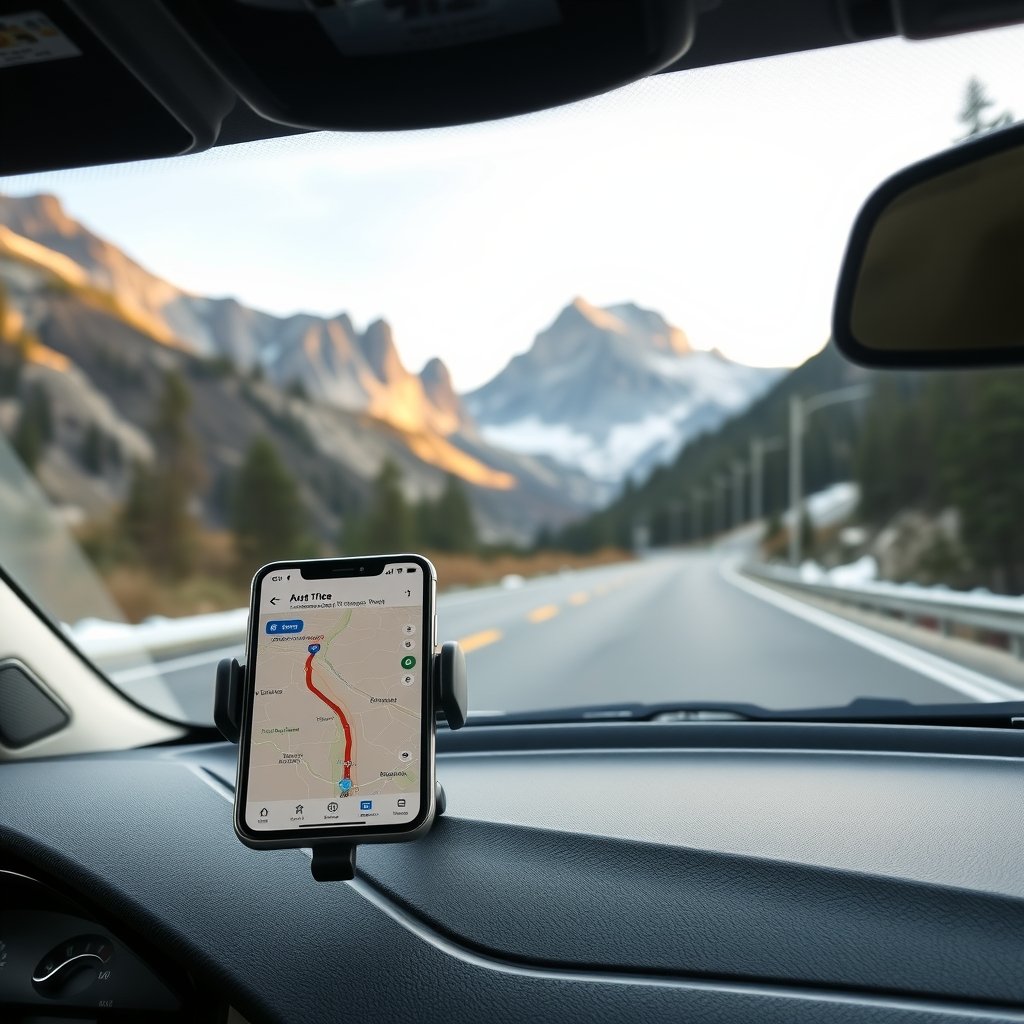
Android Auto simply mirrors the phone’s app on the car’s screen, so the same rule applies: if the map is on the phone, navigation works without signal. Google Maps and Organic Maps work in Android Auto for free, while OsmAnd needs Maps+. If your car has no built-in navigation, keep the phone in a mount that does not block your view and plug it in – GPS and an always-on screen drain the battery faster than normal use.
Frequently asked questions
Does GPS on a phone work without internet?
Yes. The GPS receiver determines your position from satellites and does not need a mobile network. Without internet, all you need is a map downloaded in advance.
Which free navigation app for Android works offline?
Google Maps (for driving, with a downloaded area), Organic Maps, HERE WeGo and the free version of OsmAnd. Organic Maps is completely free and ad-free.
Does Google Maps show traffic jams offline?
No. Offline there is no traffic information, no alternative routes and no transit, cycling or walking directions.
How much storage do offline maps need?
It depends on the size of the area and the app – usually anywhere from a few dozen to several hundred MB. Check free space before downloading or use an SD card.