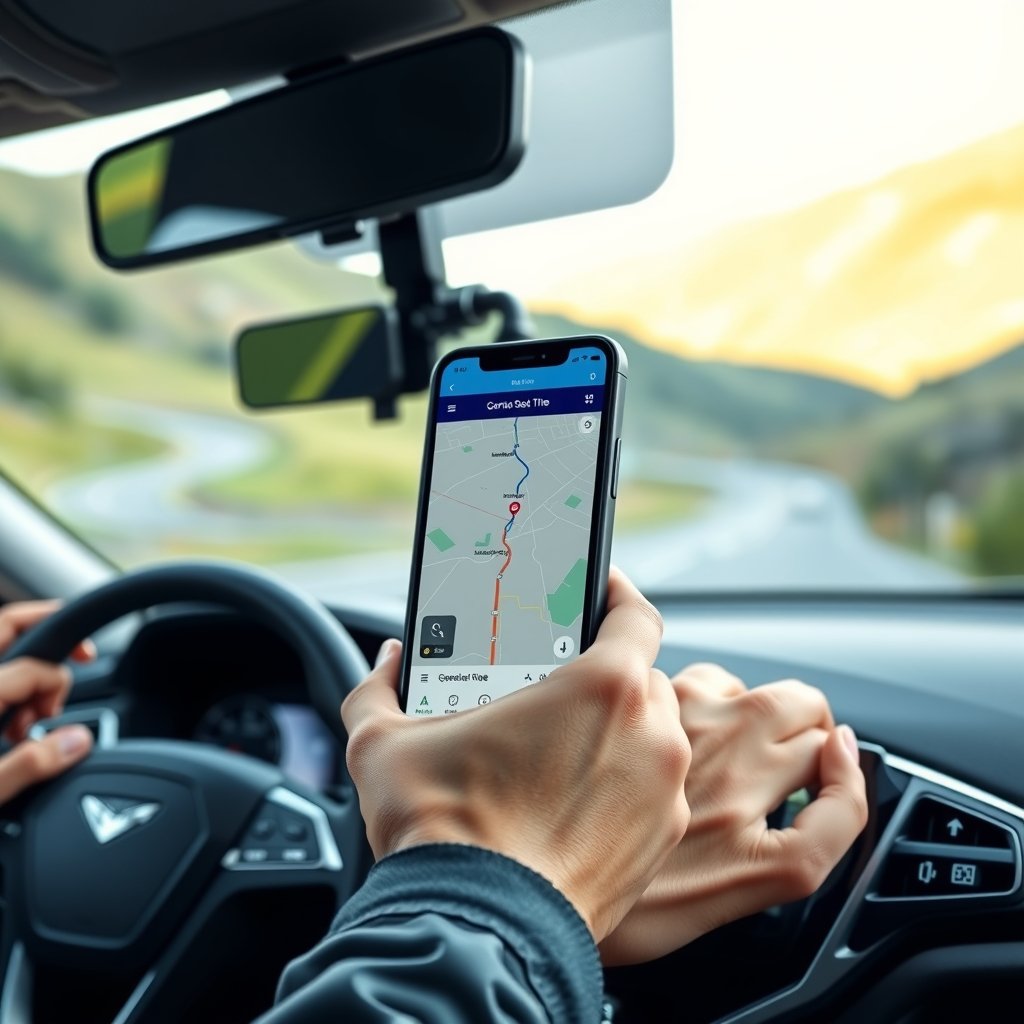
For most drivers the best free navigation app is simply Google Maps or Waze: both cost nothing, show live traffic and route you around jams. If you often drive without mobile signal or abroad, add an app with offline maps such as Organic Maps or HERE WeGo. A separate paid sat nav is no longer necessary for most people.
Which navigation app is best: free apps compared
All the apps below are free for personal use and run on Android phones, and most of them on iPhone too. The main differences are how much they can do offline and how well they know current road conditions.
| App | Offline | Live traffic | Best for |
|---|---|---|---|
| Google Maps | yes, with downloaded maps (driving only) | yes | everyday driving, finding addresses and opening hours |
| Waze | limited | yes, with reports from drivers | city traffic and live warnings about crashes and roadworks |
| Apple Maps | yes, with downloaded maps | yes | iPhone owners and Apple CarPlay |
| Organic Maps / CoMaps | yes, fully | no | travel, mountains, trips abroad, privacy |
| HERE WeGo | yes, maps of whole countries | when online | long drives across Europe |
Organic Maps and its community-run fork CoMaps use OpenStreetMap data edited by volunteers. They show no ads and collect no user data. That makes them an excellent backup when there is no signal, but they are no substitute for traffic jam warnings.
Phone navigation without internet
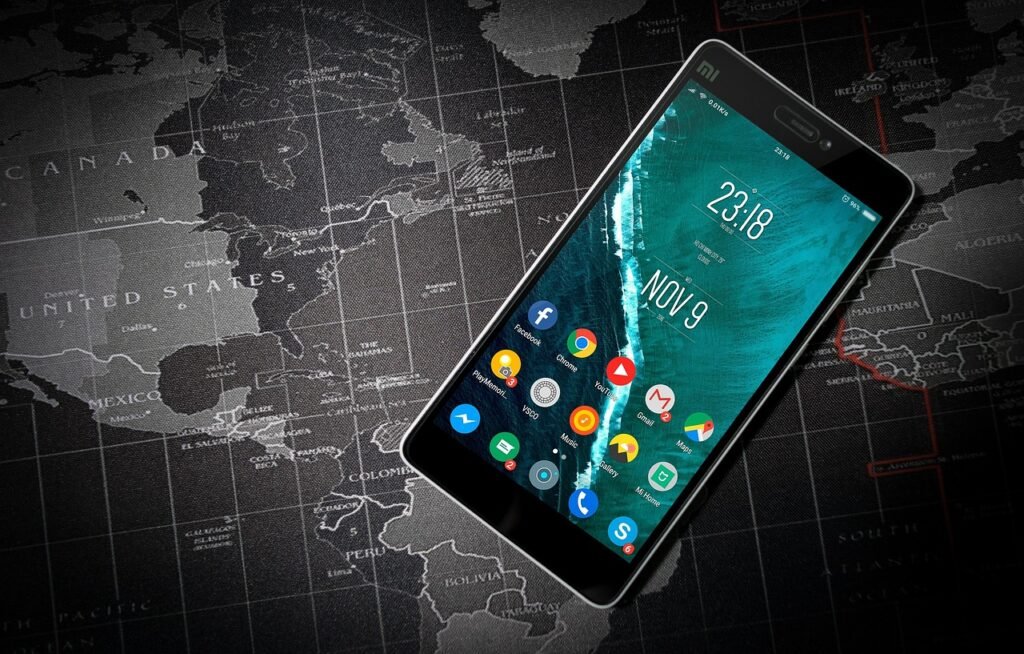
Many people assume phone navigation stops working without mobile data. That is only half true. The GPS receiver in your phone works out your position from satellites and does not need the mobile network. The app needs internet to download the map, search for addresses and fetch traffic data. If the maps are already on your phone, it will get you to your destination even in a valley with no signal.
How to download a map in Google Maps
- Connect to Wi-Fi and sign in to your Google account.
- Tap your profile picture and choose Offline maps.
- Choose the option to select your own map, frame the area and confirm the download.
- Turn on automatic updates, because downloaded maps expire after a while.
According to Google, offline navigation only works if the whole route lies inside the downloaded area, and only for driving. Offline you get no traffic information and no alternative routes. The details are in Google’s help page on offline maps.
In Organic Maps and HERE WeGo you download the map of a whole country or region. For a road trip through Slovenia to the Croatian coast, download both countries; for skiing, add Austria or Italy.
Online navigation: why live traffic is worth the data
Road conditions change quickly: a crash on the motorway, a closed tunnel or roadworks can add half an hour to a trip. Online navigation takes this into account and suggests a faster route as you go. Waze reacts fastest because drivers themselves report crashes, obstacles and vehicles on the hard shoulder. Google Maps has a calmer display and better search for shops, petrol stations and charging points.
- Before a long trip, also check the road status with the national traffic information centre, as apps do not always know about planned closures in time.
- Within the EU you normally use mobile data at your domestic rate when roaming, but your plan may have a fair-use limit abroad. Check it with your operator.
- Navigation drains the battery fast, so keep a charging cable in the car.
Navigation in your language and built-in sat nav
Two things matter most when choosing navigation: up-to-date maps and spoken directions in a language you are comfortable with. Google Maps, Waze and Apple Maps update their maps automatically. In apps that use the phone’s text-to-speech engine for voice guidance, such as Organic Maps, the pronunciation depends on the voice installed on your phone. Check the language settings before your first drive.
A car’s built-in satellite navigation is convenient, but some brands charge for map updates. If your car supports Android Auto or Apple CarPlay, you can run a free navigation app from your phone on the car’s screen, and its maps are usually fresher.
Best navigation for motorcycles
Riders often use navigation differently: rather than the fastest route, they want the nicest roads. In Google Maps, turn on the option to avoid motorways; Organic Maps and CoMaps are handy on mountain passes without signal. On a motorcycle you will also need:

- a sturdy mount with vibration damping, since vibrations can damage the phone camera,
- earphones or a helmet intercom so you hear directions without looking at the screen,
- downloaded maps for Alpine passes, where signal often disappears.
Phones in the car: what the rules allow
In Slovenia, the Road Traffic Rules Act (ZPrCP) prohibits drivers from using a mobile phone without a hands-free device, as well as using devices that interfere with their vision, hearing or control of the vehicle. Using a phone while driving carries a fine of €250 and three penalty points. Most European countries have similar rules, so the safest approach is to enter the destination before you leave, mount the phone where it does not block your view through the windscreen and control navigation by voice or not at all.
Frequently asked questions
Does a free navigation app work without internet?
Yes, if you download the map first. Google Maps, Organic Maps, CoMaps and HERE WeGo will get you there offline, but they do not know current traffic.
Which navigation app is best for everyday driving?
Google Maps or Waze, because they track traffic jams live. For mountains and trips without signal, Organic Maps is a good backup.
Does navigation use a lot of mobile data?
Downloading maps and satellite view use the most data. If you download maps over Wi-Fi, data use while driving is low.
Can I look at navigation on my phone while driving?
Keep the phone in a holder and set the destination before driving. In Slovenia, handling a phone while driving is fined €250 and three penalty points.